




Connect your stack
Give the agent product data and actions while the signed-in user's permissions stay in place.
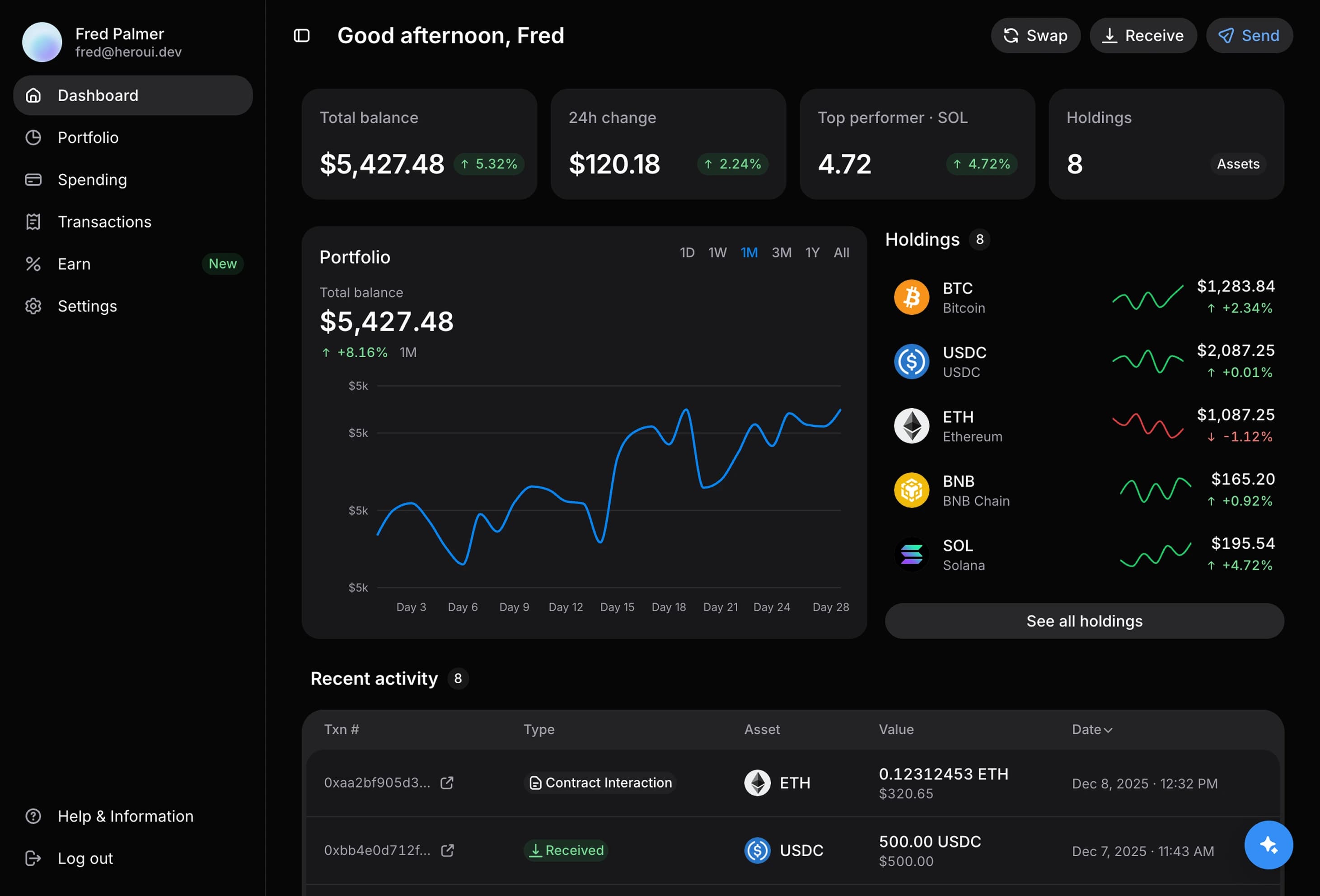
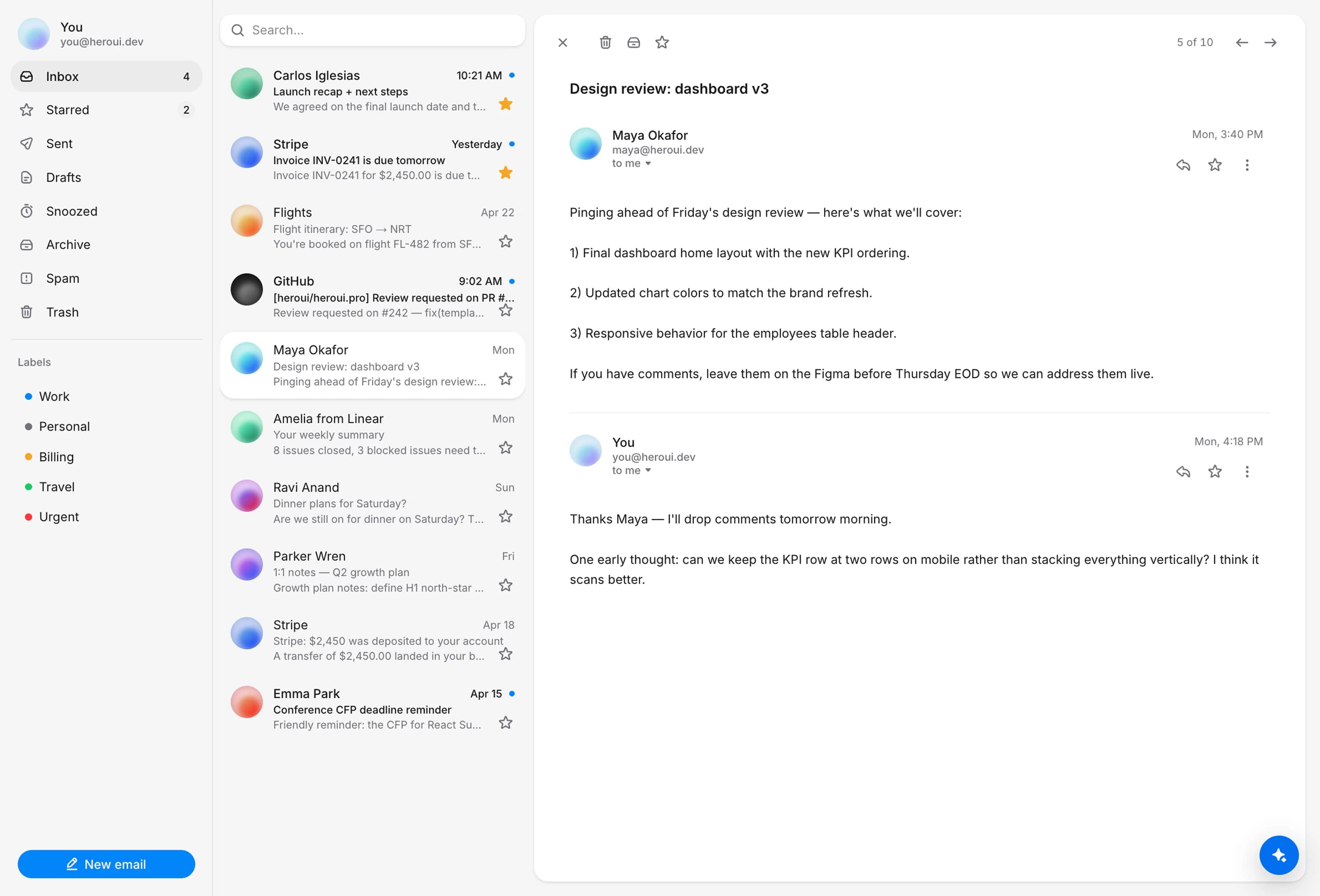
Client tools example for Connect your stack. This recreates the agent playground empty state.
Invite-only beta
An agent that understands your product, takes action, and generates the right interface.
Use cases
HeroUI Agents is an embeddable agent that understands your product and turns it into an AI-native experience.
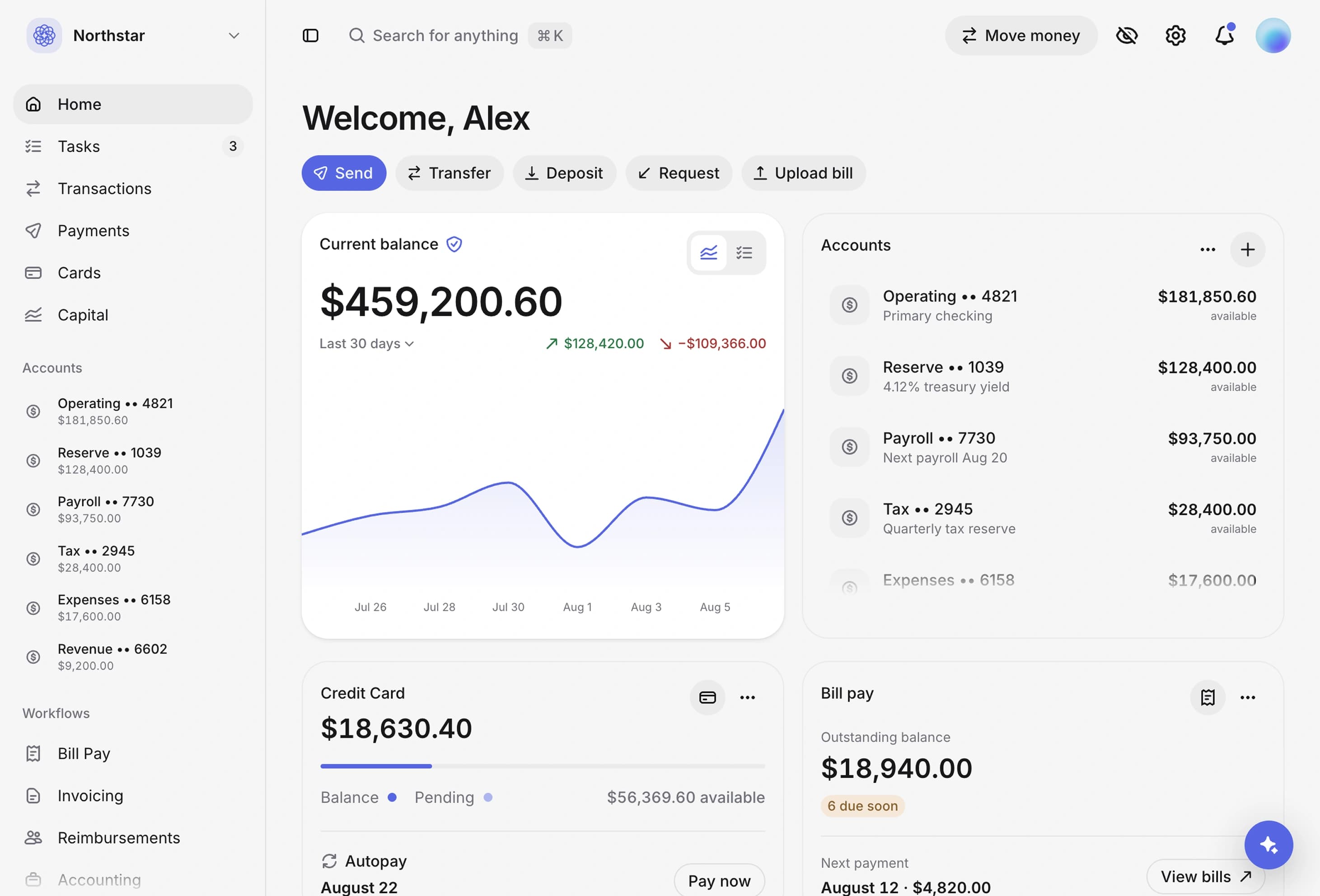
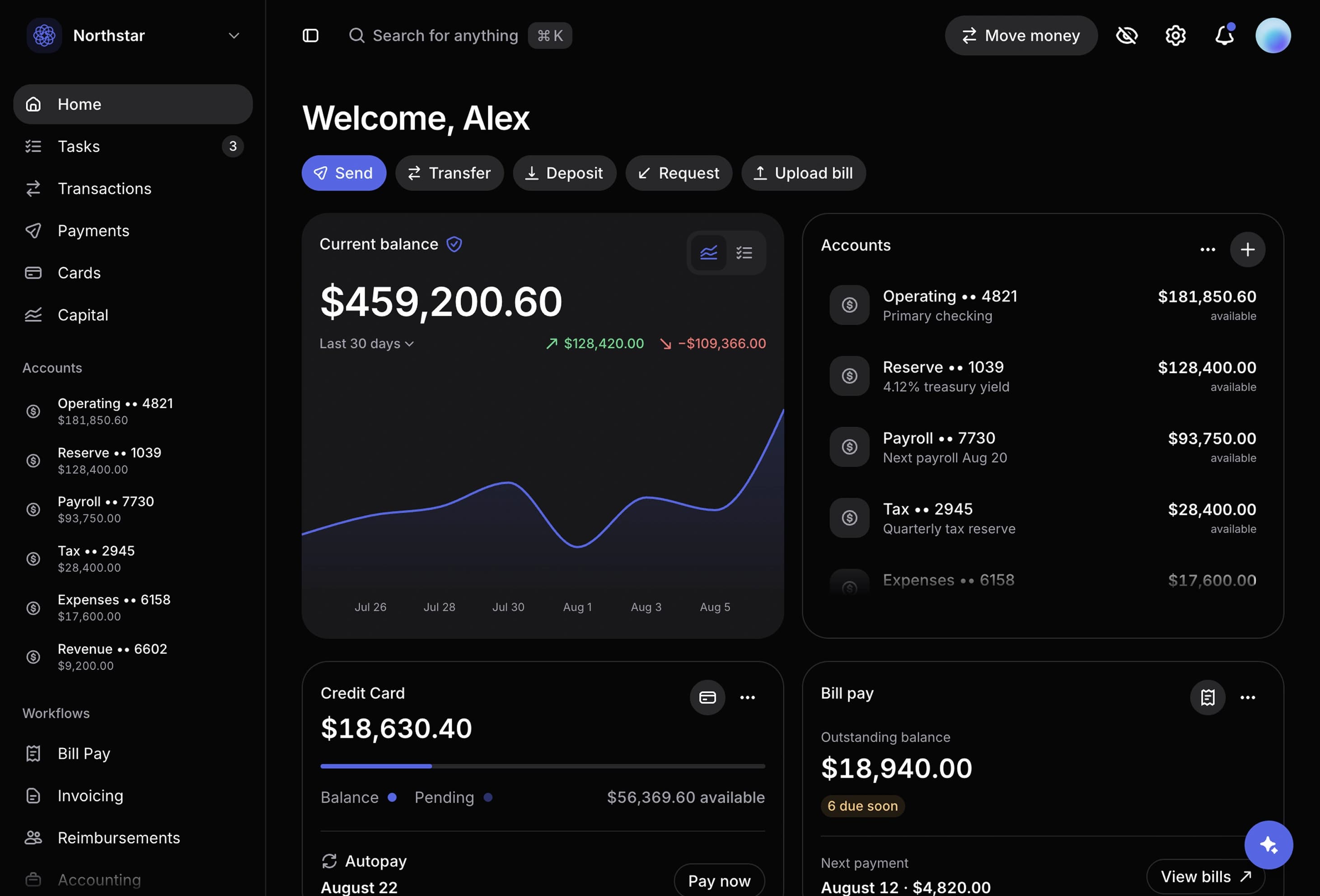
Banking example. Asked: Chart our balance over the last 6 months. The agent answers: The operating balance is up 44% since March, with the strongest gain after July.
What you get
HeroUI Agents handles orchestration, UI, and ops. You connect your tools, docs, and design.
Give the agent product data and actions while the signed-in user's permissions stay in place.
Require explicit approval before the agent changes records, filters, or workflows.
Match your agent to your product with full control over its design system, layout, and visual style.
Track agent usage, users, conversations, performance, and activity from one place.
HeroUI runs orchestration, streaming, persistence, and monitoring for your product team.
Generative UI
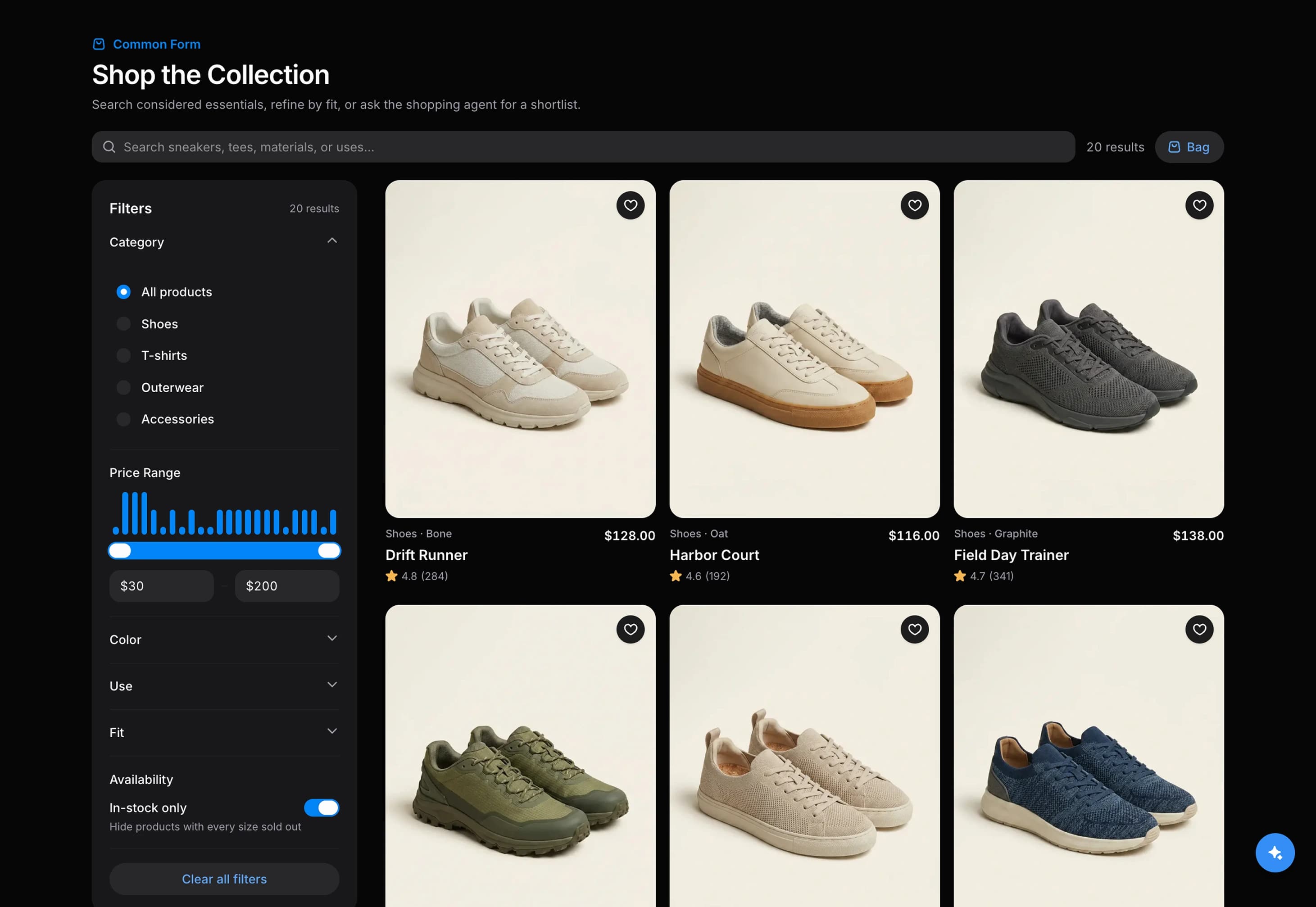
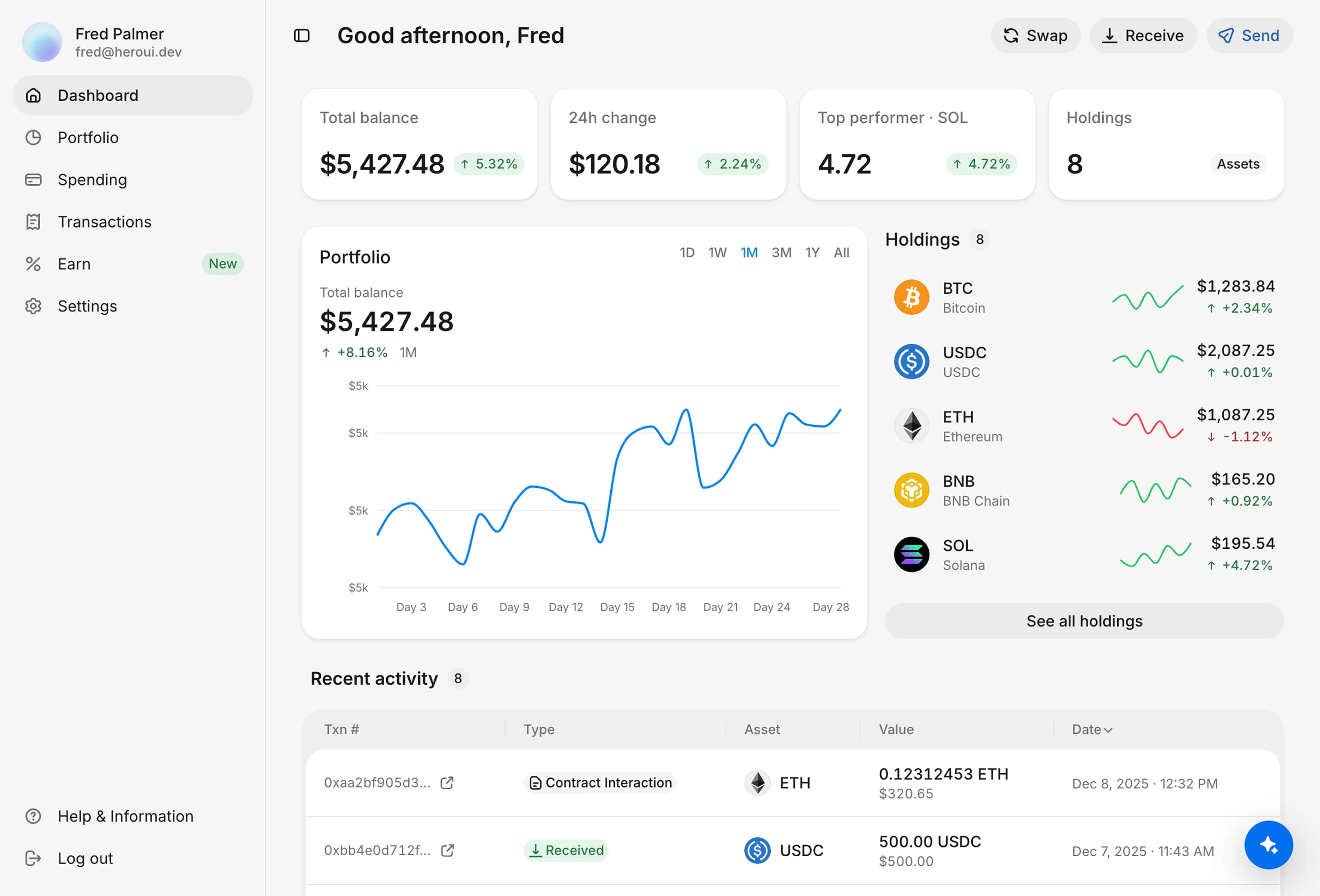
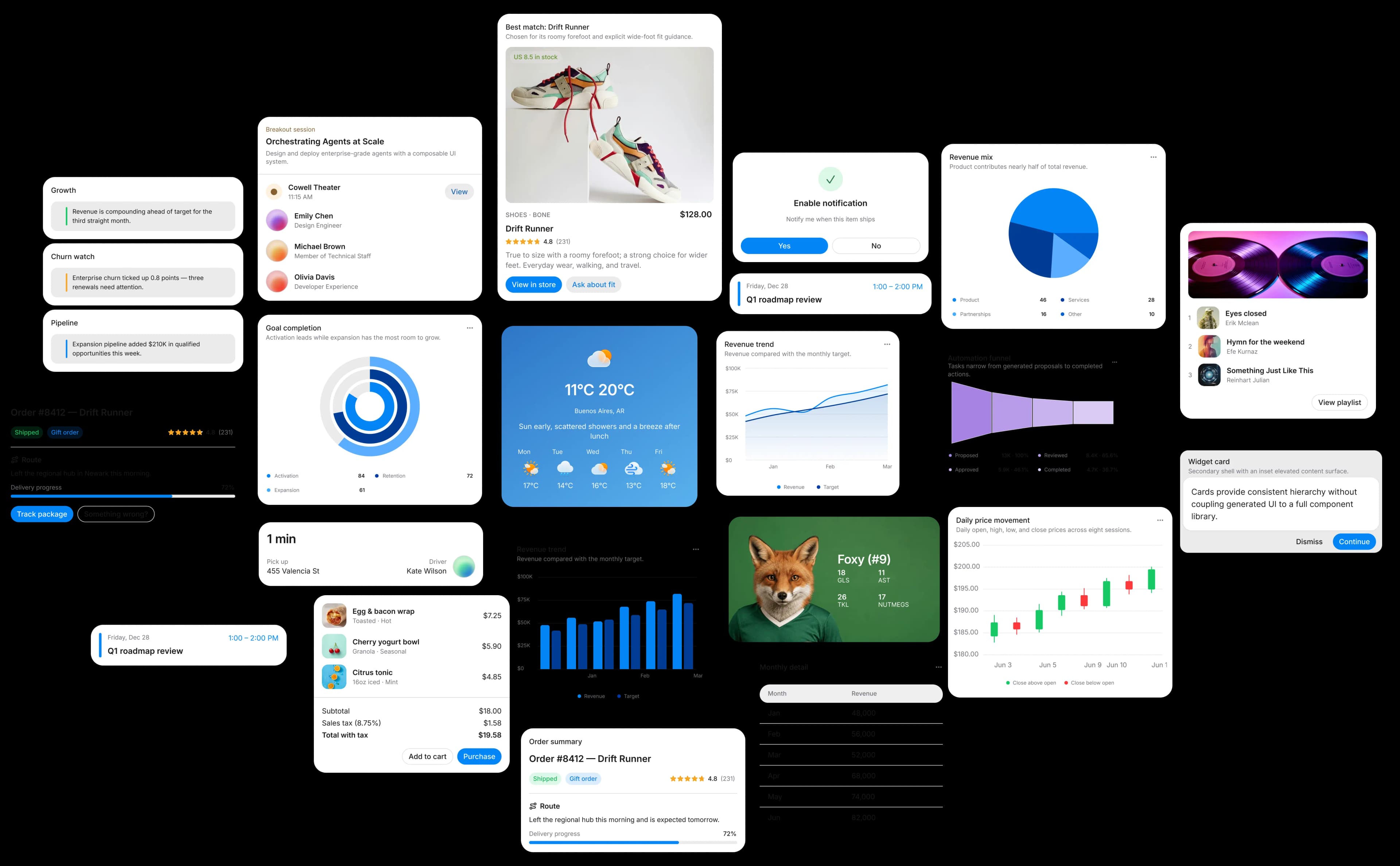
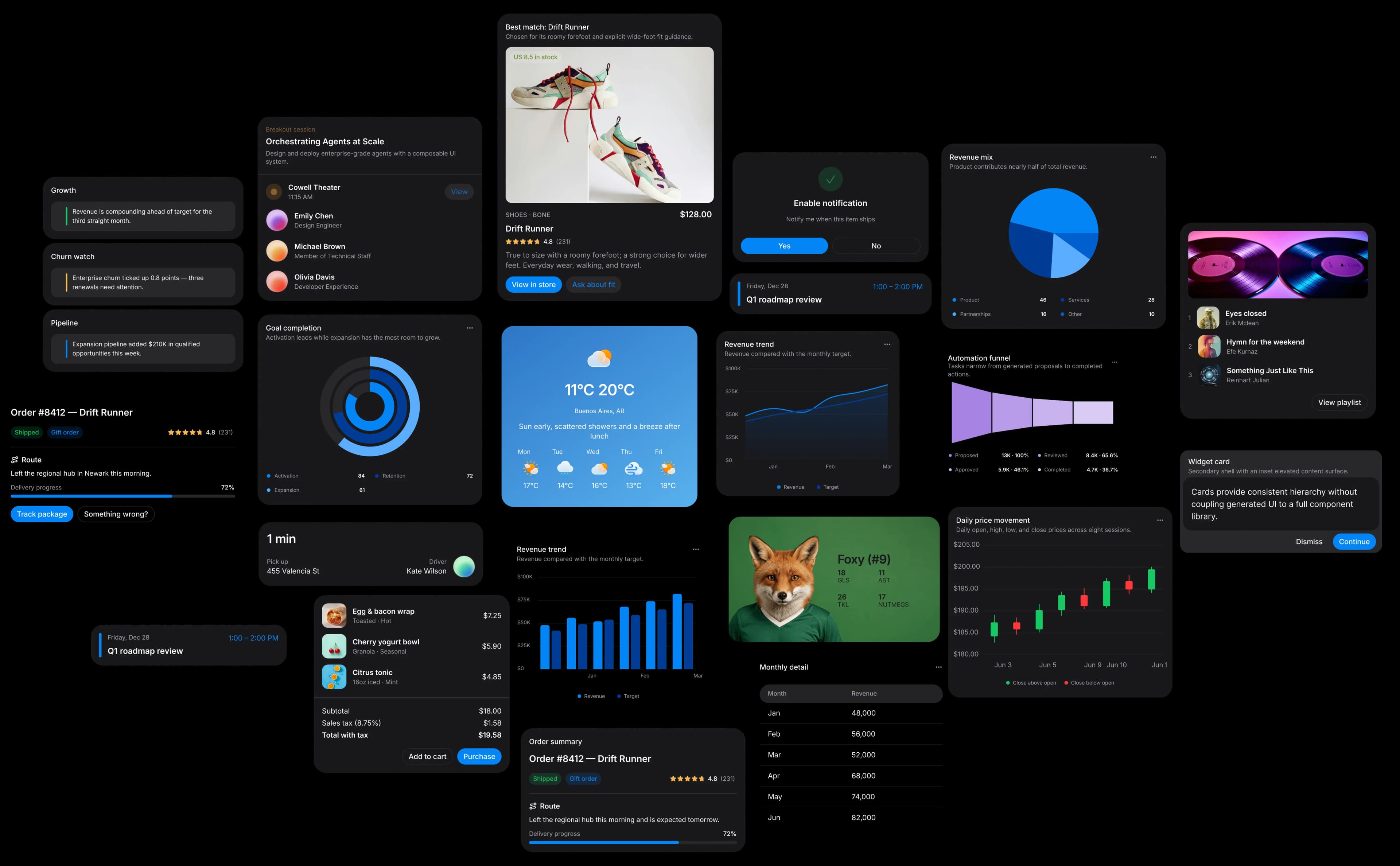
The agent uses generative UI to render the right interface for every task, from charts and tables to forms, dashboards, and approvals.
Integration
Add an intelligence layer to your product. It understands context, calls your tools, takes action, and returns native UI that adapts to what each user wants to accomplish.
18,420
+12.4%7.8%
+1.2%Connect typed tools to the data and actions your signed-in users can already access.
Sensitive actions pause for explicit approval before records, filters, or workflows change.
Render charts, tables, forms, and complete workflows that adapt to every screen.
We handle models, streaming, memory, and monitoring. You focus on your product.
FAQ
How the agent accesses your product, what it can change, and what stays invite-only.
Invite-only beta
Share your work email to start. We review every request and invite teams ready to test an embedded agent.


